Bertrand Boisseau
16 October 2026
How to lower Android™ development costs by removing hardware from the critical path
As an Android developer, you’ll almost always have access to a device. However, when handling hardware, the device that you actually need often happens to be already in use, set up incorrectly, stored in another lab, or simply waiting to be reset. That’s when Android development costs start to increase.
Because it’s not just the device itself that generates expenses, it’s everything around it: procurement, provisioning, maintenance, remote access, lab capacity, and, worst of all: your engineering time. A developer waiting for the right dev environment still constitutes a cost.
So, how can you solve that problem?
Do my tests actually need hardware?
We all know that hardware still plays a big role in Android development. If you need to validate sensors, peripherals, real target performance, the hardware integration itself, or even the genuine user experience, you’re going to need the physical target device.
But most workloads competing for those devices can run elsewhere.
When building Android, testing an application, reproducing a bug, or even running regression tests, there’s absolutely no need for any physical device. So instead of asking yourself if a specific target device is available, the question you should ask is whether you need a device at all.
The distinction is important here, because hardware labs are obviously much harder to scale than software.
More developers often means more builds, more tests, and more configurations. That typically means a higher need for devices, benches, and more infrastructure to have enough capacity for peak times when relying on hardware-first. As you can see, Android development costs aren’t only a result of the gear itself, but the effort to run it, and the engineering time lost when access becomes a bottleneck.
Android infrastructure operations
When moving workloads away from hardware, Android environments can then be provisioned when needed, integrated into Continuous Integration and Continuous Delivery/Deployment (CI/CD) pipelines, run in parallel, and discarded afterwards. A cloud-first approach is much simpler than a hardware one. Just request your environment, run your tests, and safely release it.
The secret trick is to be wise when choosing the appropriate execution environment for the job you want to run: use containers when you need app density and scale, virtual machines if you need to run a custom Android image, and physical devices for when the tests truly depend on physical components.
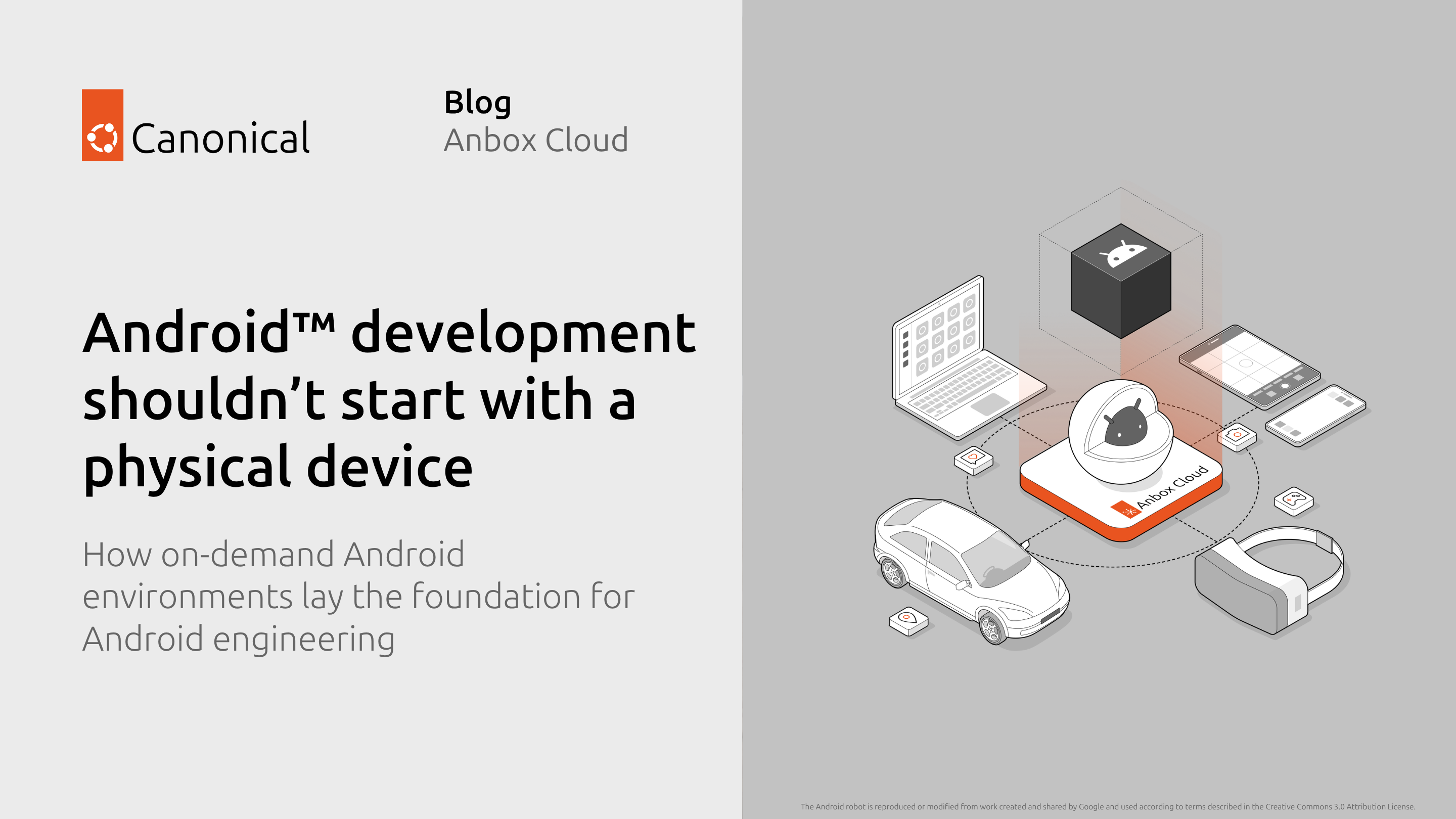
With Anbox Cloud, these cloud environments can co-exist in exactly the same development workflow. Developers can continue using familiar tools such as Android Debug Bridge (ADB), Android Studio, their existing test frameworks, and usual CI/CD systems.
Let’s take the example of a support or validation team that needs to reproduce issues across many Android configurations. In a hardware-first setup, that means finding the right device, checking its software version, reserving it, reconfiguring it, and setting up remote access before debugging even starts.
With cloud-based Android environments, the same team can keep predefined images for common configurations and start them on demand. Several engineers can work in parallel, while physical devices are reserved for cases that truly require hardware validation.
In this instance, costs are lowered not simply because there is one less phone on a shelf. It is the time spent finding, preparing, and sharing that phone and the extra capacity required to make sure one is available when demand peaks. A device sitting idle is inefficient. An engineer sitting idle because the right device isn’t available is even more expensive.
Where Android development costs actually come from, and how to reduce your expenses
Generally, there are three cost areas worth looking at: the first obvious cost is hardware, then operations (setup, maintenance, and so on), and, last but not least: engineering time. The impact of that last element is easy to underestimate.
If fewer workloads depend on dedicated devices, teams need less hardware capacity to support the same level of development activity. Here is how using Anbox Cloud helps you to improve these three cost areas:
- Hardware cost: fewer devices, benches, and supporting infrastructure need to be provisioned for peak demand
- Operational cost: less manual setup, maintenance, and environment management
- Engineering-time cost: less waiting for shared resources and more opportunities to run workloads in parallel
If ten tests need to run, they should not necessarily queue behind the same physical bench. If an issue needs to be reproduced, an engineer should not have to spend time rebuilding the right configuration manually. Software-defined environments can be created specifically for the workload and removed afterwards.
That also means that the customized hardware you do have can then be reserved for the tests that can’t do without it. Reducing Android development cost therefore becomes more than reducing hardware spending. It becomes a way to get more engineering work from the infrastructure, as well as getting back the engineering time you already have.
Take hardware out of the critical path
As I like to say, the point here is not to completely get rid of physical devices. The goal is to make sure to only use your expensive hardware because the test requires it, not because the workflow was built around it.
That means running software-driven workloads early, running more of them in parallel, and keeping those physical benches for the validation or certification work where they provide actual value.
Instead of scaling Android development by continuously adding devices, scale the environments around them. Less wait, more scaling, faster iterations.
Stop running after devices. Run Android in the cloud.
Further reading
Learn more about Anbox Cloud or contact our team to discuss your use case
Android is a trademark of Google LLC.
Anbox Cloud uses assets available through the Android Open Source Project.
The Android robot is reproduced or modified from work created and shared by Google and used according to terms described in the Creative Commons 3.0 Attribution License.